


Apple Watch
Your match on your wrist.
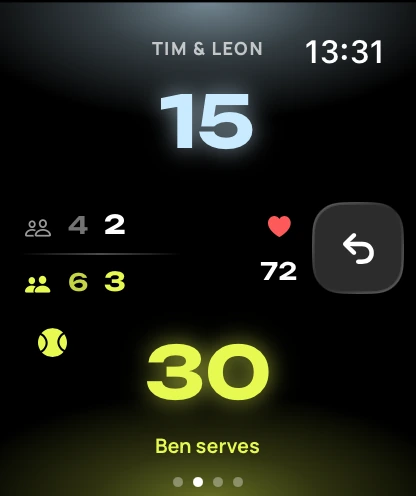
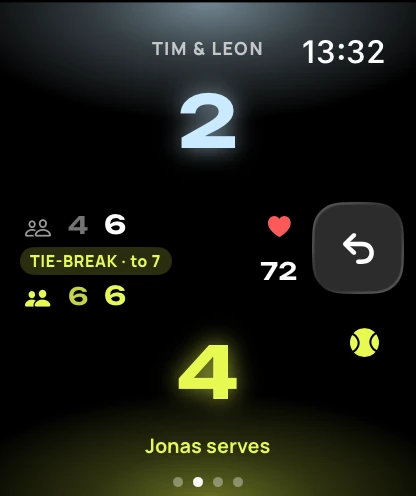
Score with a tap, feel every point, log heart rate and calories in a workout. Your iPhone shows it all live.

How it works
How to score a match.
Four steps, all on the watch. Your iPhone can stay in your bag.
-
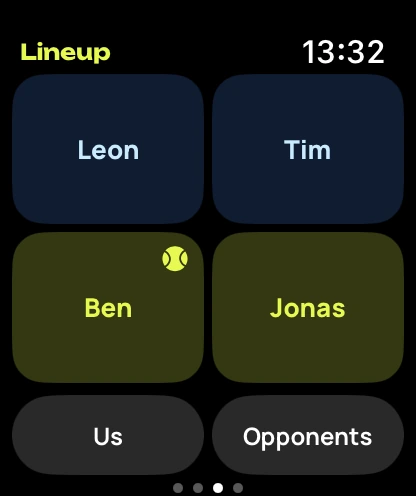
1 · Line up
For tennis, pick singles or doubles first. Put players in their positions, then answer: who serves?
-
2 · Score a point
Tap the top half for them, the bottom half for you. The arrow on the right takes back the last point.
-
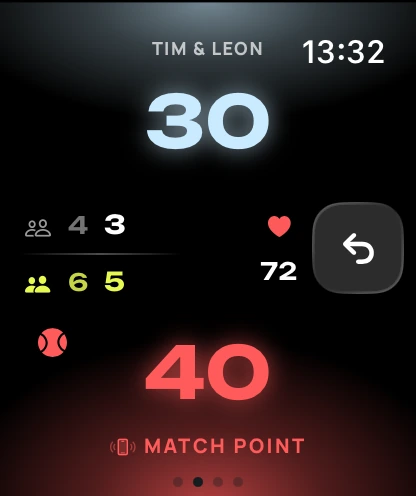
3 · Set and match points
Points that matter light up, and the haptics let you know.
-
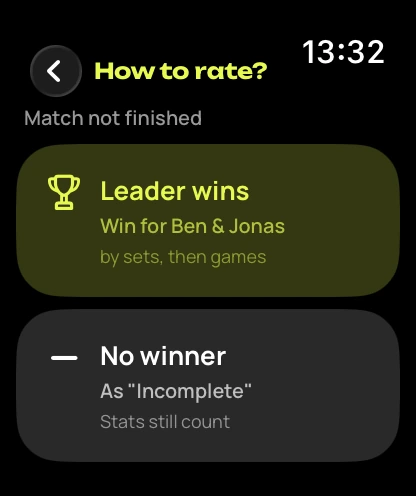
4 · Time limit
Time’s up and it’s tied? The watch asks how to score it.
Live Activity
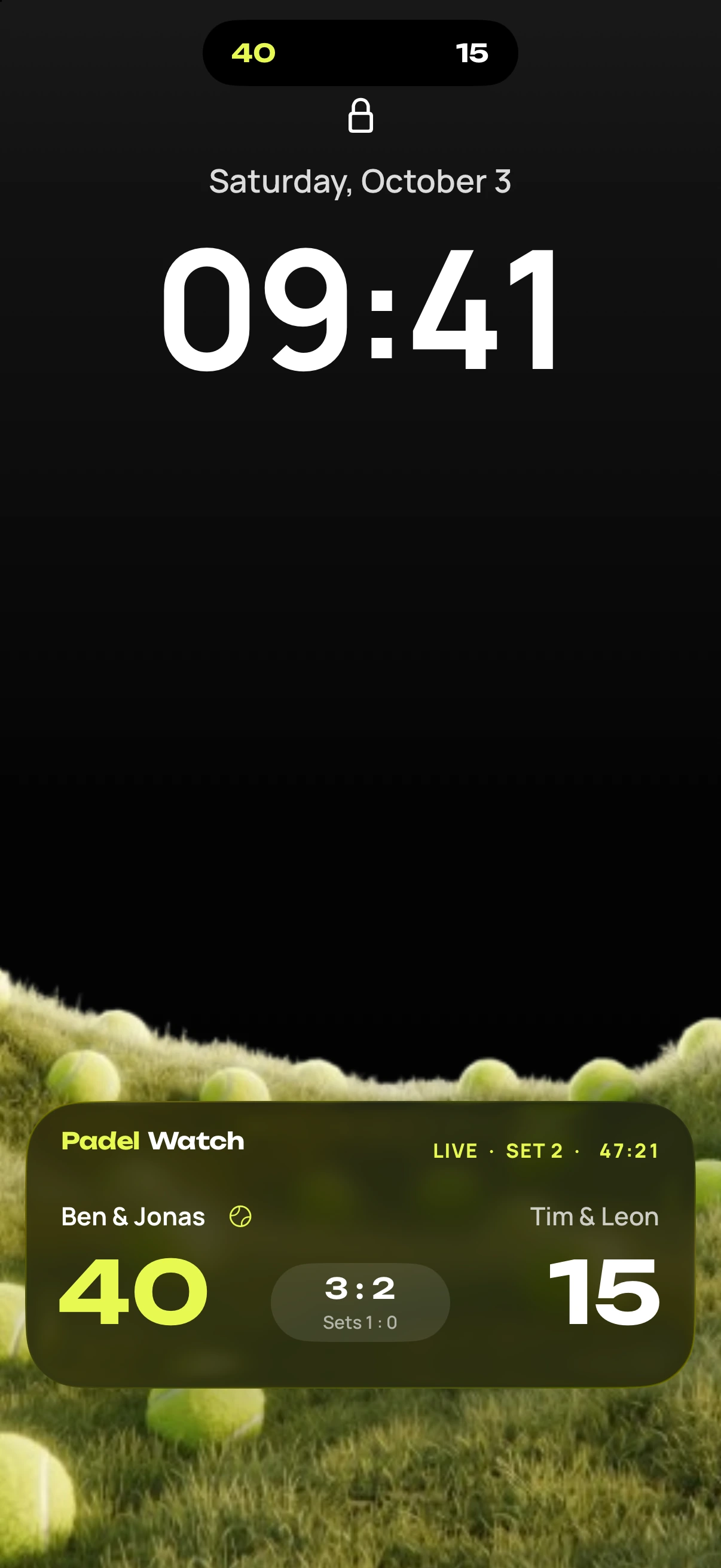
The score on your Lock Screen.
- Score, set and playing time on the Lock Screen and in the Dynamic Island.
- No unlocking, no opening the app.
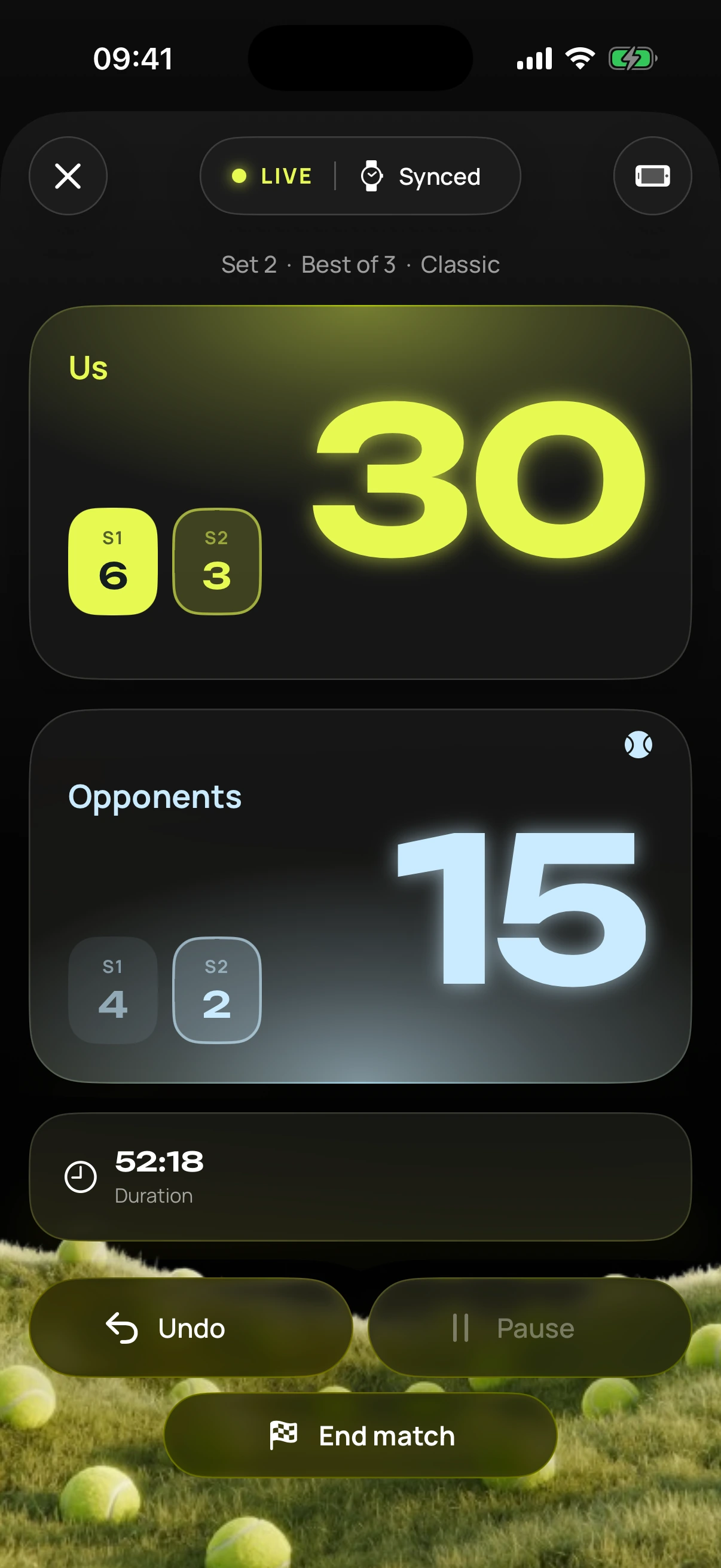
- The live display turns your iPhone into a scoreboard, portrait or landscape.
- If the watch drops out for a moment, the iPhone shows the last score and tells you.
Workout included.
Every match runs as a workout on Apple Watch. Heart rate and calories go to Apple Health and into your match stats. For tennis, the workout is called “Tennis”. You allow it once.
Requirements
What you need.
- iPhone with iOS 26 or later
- Apple Watch with watchOS 26 or later
That covers every model with watchOS 26: Apple Watch Series 6 or later, SE (2nd generation) or later and every Apple Watch Ultra.
Questions? Go to help