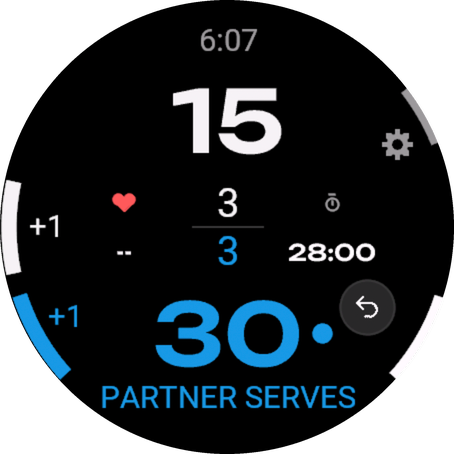
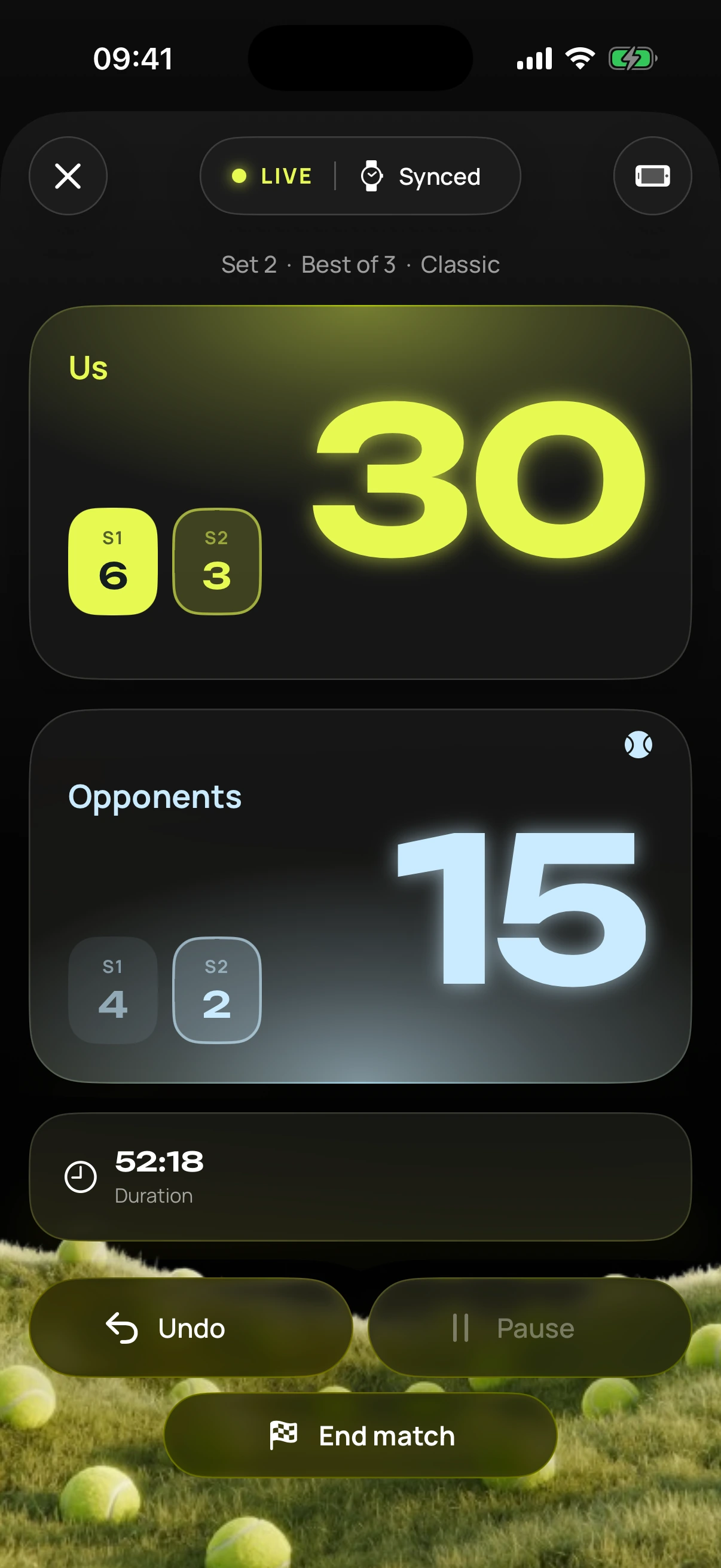
A whole match without touch: with gloves, with sweat, without looking. Free in the Connect IQ Store.
How it works
Five buttons, one job each.
Three are all you need: lower left is a point for you, middle left a point for them, lower right undo. The screen matches, them at the top, you at the bottom. Every press gives a short buzz.
LIGHTtop left
Light. Stays with the system.
UPmiddle left
Point for them. Hold: menu.
DOWNbottom left
Point for you.
STARTtop right
Menu: pause, switch sides, end.
BACKbottom right
Undo: last point back.
For watches with five buttons (fēnix, epix, Forerunner, Enduro, MARQ). Ending only works through the menu, with confirmation. You can practise first: the intro of the iPhone app shows a Garmin watch where you press the buttons.
Touch
Tapping works too.
Tap the top half: point for them. Bottom half: point for you.
A single tap, no holding needed.
Can be turned off in the app’s Garmin settings.
Venu and vívoactive only have two buttons: there you score by tapping and undo with the arrow on the display.
Themes
Four looks for your watch.
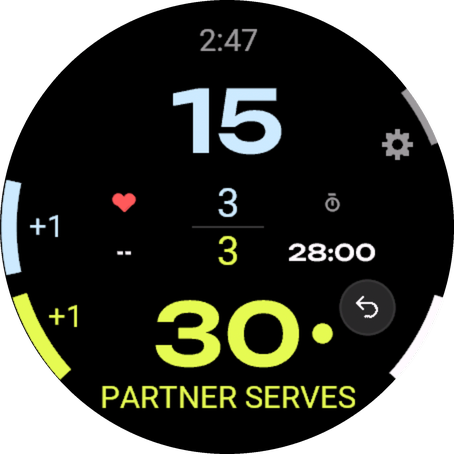
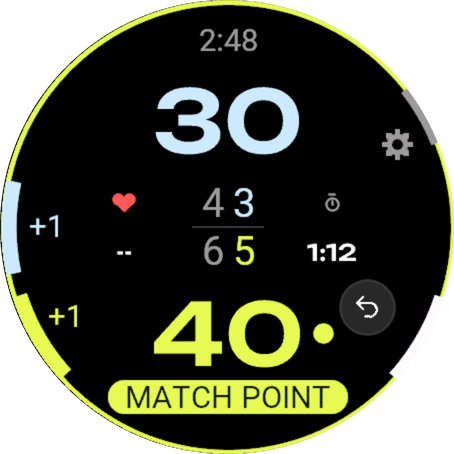
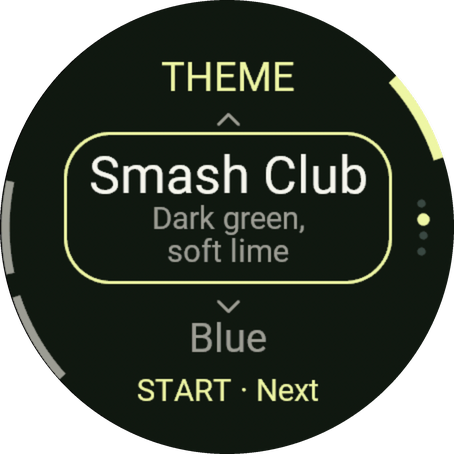
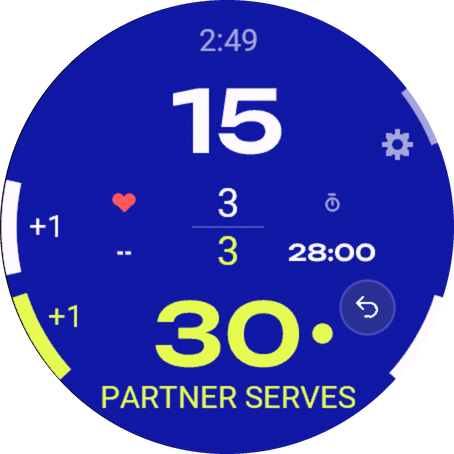
Standard, Smash Club and Blue like in the app, plus Classic in the Garmin look. In always-on mode everything turns dark and saves battery.
Standard
Smash Club
Blue
Classic
Real captures from the Garmin simulator.
With your iPhone
Strong alone, live together.
Without iPhone: the watch keeps score and saves the match as a padel activity in Garmin Connect, with heart rate.
With the iPhone app: players and rules come from your iPhone.
Tennis: choose the sport on the watch (Settings › Sport) or in the iPhone app. The watch then counts tennis too, singles and doubles, and saves a tennis activity.
The score goes live to your iPhone, the Live Activity and the live link.
After the match: the same stats as with Apple Watch.
Devices
Runs on 48 Garmin models.
Round watches from Connect IQ 5. As of SDK 9.2, October 2026.
fēnix 7
fēnix 7 · fēnix 7S · fēnix 7X · fēnix 7 Pro · fēnix 7S Pro · fēnix 7X Pro